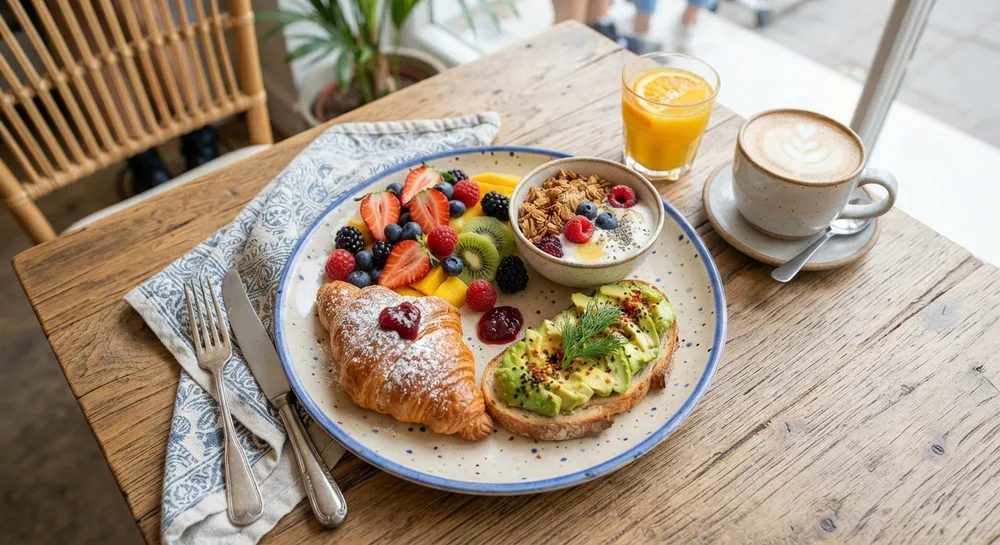
Food product photography is the main reason people order on GoFood, GrabFood, or ShopeeFood. Customers choose with their eyes first, so bright, fresh, appetizing photos can immediately increase orders.
Here are nine food product photography tips you can apply with a phone in your own kitchen or restaurant.
1. Use Natural Side Light
Place the plate near a window with light coming from the side or slightly behind. Side light brings out texture, the shine of sauces, and steam. Avoid flash, which makes food look flat and greasy.
2. Shoot Most Dishes at 45 Degrees
A 45-degree angle shows both the filling and the height of the dish, ideal for burgers, bowls, and drinks. For pizza, boxed meals, or dishes arranged on a table, try a top-down flat lay.
3. Shoot While the Food Is Fresh
Food quickly loses its shine and shape. Set up the position, background, and light first with an empty plate, then photograph the food within a few minutes of plating.
4. Add Fresh Colors
Green herbs, citrus slices, or a sprinkle of chili make photos feel alive. Contrasting colors also help your menu stand out in delivery apps full of other photos.
5. Use Props Sparingly
A spoon, a linen napkin, or a drink can add atmosphere, but props should never upstage the main dish. One to three props are usually enough.
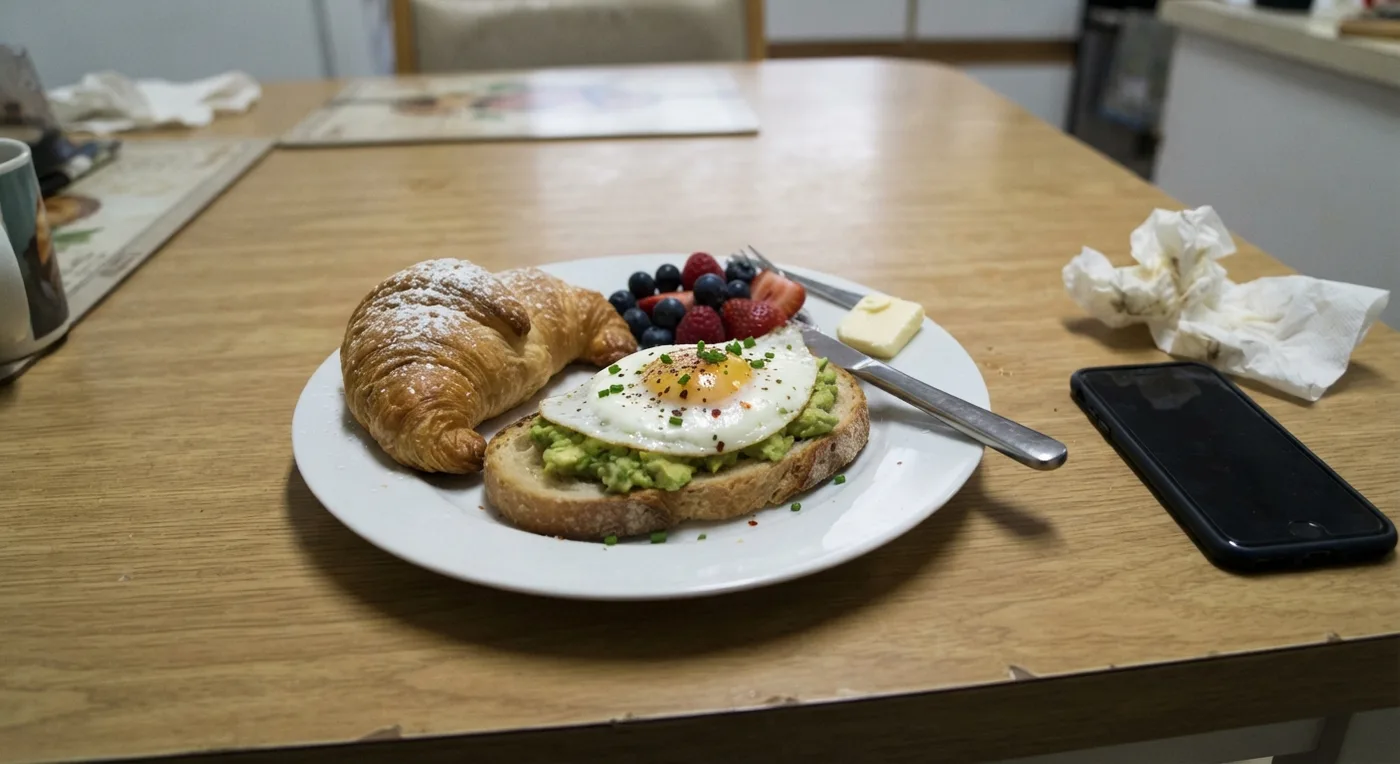 Original phone photo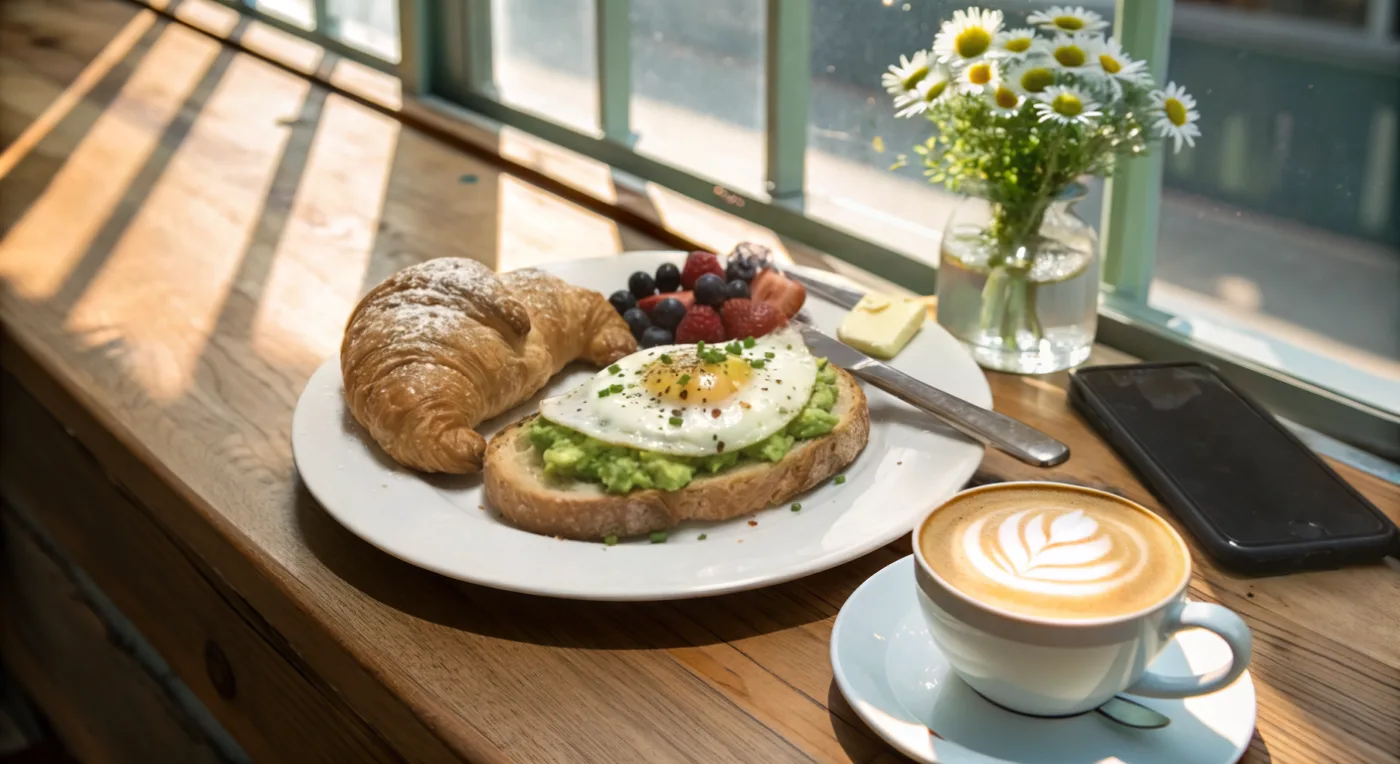
6. Choose a Background That Fits Your Concept
A wooden table feels warm and homely, white marble looks clean and modern, and linen suits cakes and pastries. Pick one style and use it for your whole menu so the list looks neat.
7. Show the Real Portion
The photo should show the same portion customers receive. A portion that looks bigger than reality leads to bad reviews and lowers your store rating.
8. Prepare Sizes for Each App
Delivery apps usually use square or landscape photos. Instagram feed works best at 4:5, while Stories and Reels use 9:16. Keep a high-resolution master file so it’s easy to crop to any size.
9. Keep the Whole Menu Consistent
A menu photographed with the same light, angle, and background looks more professional. Consistency also helps customers recognize your restaurant brand across platforms.
Mistakes That Make Food Look Unappetizing
A few common mistakes make food product photos look pale or unappealing:
- Shooting under yellow lights, which makes food look dull.
- Dirty or greasy plates and tables around the food.
- Sauces that have dried out or wilted greens.
- An angle that’s too high for dishes that are appealing because of their filling, such as burgers.
Keep a tissue and a small brush on hand to clean the edge of the plate before shooting. Small details like this make photos look much neater.
Photograph Your Menu Faster with AI
Arranging props and lighting for dozens of dishes can take all day. With TARABAS, you photograph the dish with your phone and the AI sets the background and mood, such as a café wooden table or white marble, without changing how the food looks. See the AI product photo features and read our guide to product photo backgrounds.
Summary
Appetizing food product photography needs side light, the right angle, fresh colors, and honest portions. Apply these nine tips consistently across your menu so your store stands out on delivery apps and social media.
Frequently Asked Questions
What is the best angle for food product photos?
A 45-degree angle suits most dishes because it shows filling and texture at the same time. A top-down flat lay suits pizza, boxed meals, or dishes arranged on a table.
How do I keep food photos from looking pale?
Use natural side light, turn off yellow lamps, and add fresh colorful elements such as greens or sauces. Avoid flash because it makes food look flat.
Do food photos for delivery apps have to match the real dish?
Yes. The portion, ingredients, and presentation in the photo must match what buyers receive to avoid complaints and bad reviews.