
The product photo background sets the mood and the first impression. The same product can look cheap on a busy tablecloth, or premium on natural stone in morning light. Choosing the right background is the easiest way to improve photo quality without changing your camera.
This guide explains when to use a white background, soft colors, or a lifestyle scene, with examples for different product categories.
White Backgrounds for the Main Photo
A white background looks clean and makes the product the center of attention. For the main photo on Shopee and Tokopedia, white or light gray is the safest choice because it looks neat among hundreds of other products on search pages.
Use a sheet of white card curved from the table up the wall so there’s no corner line. Make sure the light is even so the white doesn’t look dull and gray.
Soft Colors for Brand Character
Pastels or earth tones such as cream, sage, and terracotta add character without distracting from the product. Pick one or two colors that suit your brand, then use them consistently. This keeps your Instagram feed and store catalog looking unified.
Lifestyle Scenes for Social Media
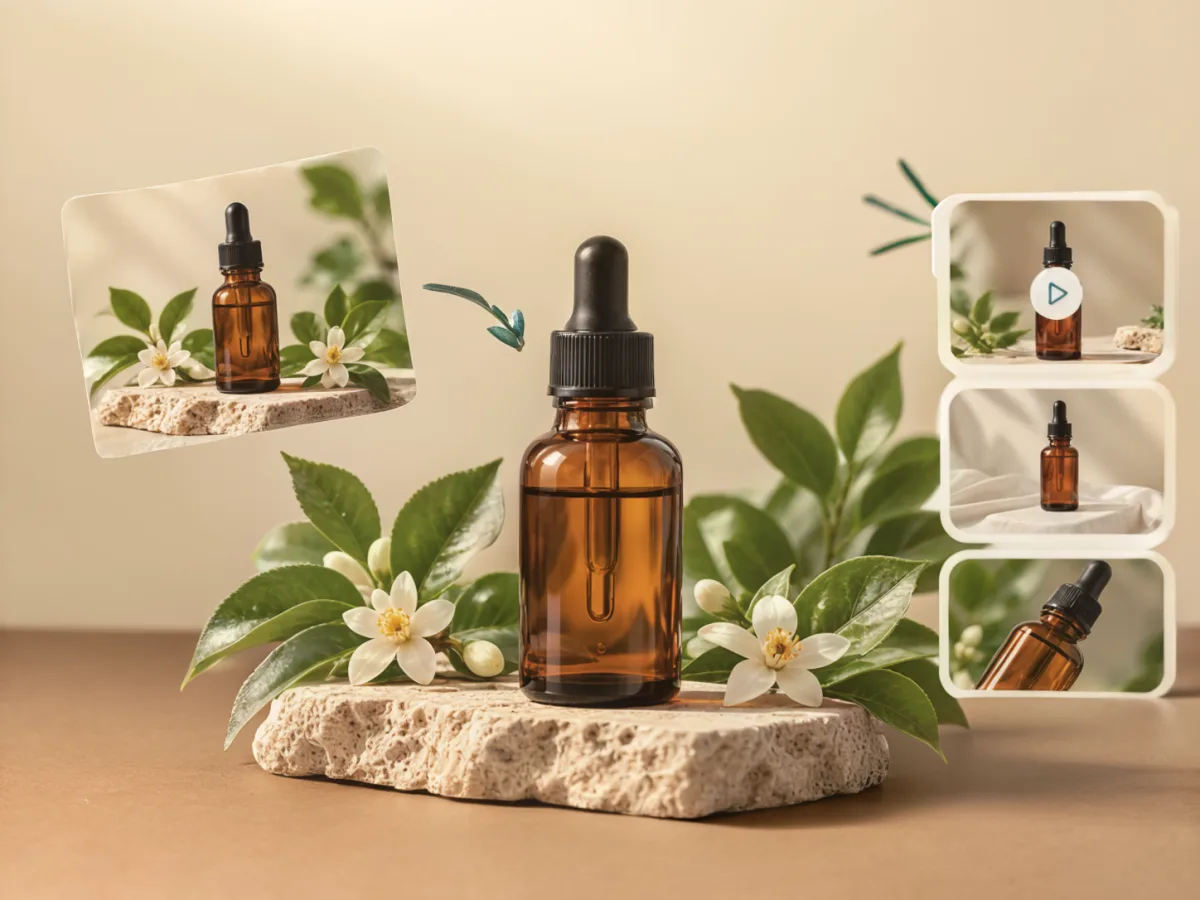
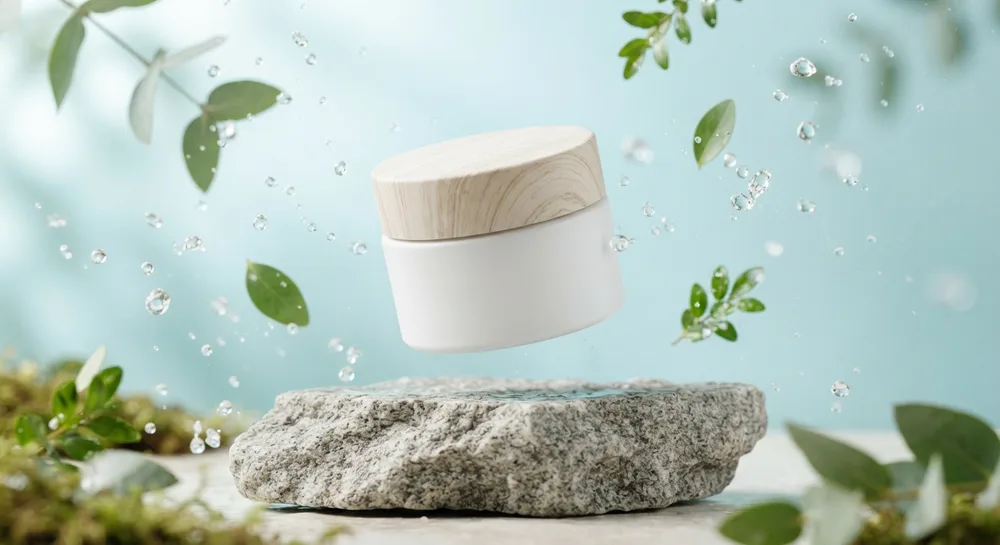
Lifestyle backgrounds show the product in a real setting, such as a serum on natural stone with green leaves, or coffee on a café table by the window. Scenes like these help buyers imagine the product in daily life and work well for supporting photos, ads, and social content.
 Original phone photo
Background Examples by Product Category
- Skincare and cosmetics: white marble, natural stone, or water with green leaves.
- Food and drinks: wooden tables, linen, or textured ceramics.
- Fashion and accessories: plain neutral walls or an urban street scene.
- Hampers and gifts: cream linen, dried flowers, and warm lights.
- Electronics and gadgets: dark backgrounds or a modern gray gradient.
Common Mistakes
Avoid busy patterns, backgrounds the same color as the product, and too many props. An overly loud background leaves buyers unsure where to look. Also watch for the background color reflecting onto shiny products.
Making Your Own Backgrounds on a Budget
You can make product photo backgrounds from easy-to-find materials:
- White and pastel card or paper rolls.
- Linen, cotton, or velvet fabric in neutral colors.
- Old wooden boards or ceramic tiles for a natural look.
- Marble-effect vinyl stickers applied to a plywood board.
Store backgrounds flat so they don’t crease or bend. A wavy background shows clearly in photos and distracts from the product.
Change Backgrounds with AI
Preparing many backgrounds for every product takes time and money. In TARABAS, you photograph the product with your phone and choose a background such as marble, natural stone, wood, or a white studio. The AI replaces the background and adjusts the light without changing the product’s shape or label. If it isn’t quite right, just describe the change to revise it. See the AI product photo features.
Summary
Product photo backgrounds that sell keep the product at the center and match your brand. Use white for the main photo, soft colors for brand consistency, and lifestyle scenes for social media. Also read the complete product photography guide and our food product photography tips.
Frequently Asked Questions
What is the safest background for marketplace product photos?
White or light gray is the safest choice for the main photo because it looks clean, consistent, and makes the product easy to recognize on search pages.
Does a product photo background always have to be white?
No. White works for the main photo, but supporting photos and social media content are more appealing with soft colors or a lifestyle scene that fits the product.
How can I change a product photo background without a studio?
Use card, fabric, or a wooden board as a backdrop. The faster way is an AI product photo app that replaces the background without changing the product.