Photos are the first thing buyers see on a marketplace. Dark or blurry photos make a product look cheap, even when the quality is great. The good news is that you can learn how to take product photos with your phone in a single afternoon, without an expensive camera or a studio.
In this guide you’ll learn how to set up the light, choose a background, find the right angle, and prepare image sizes for Shopee and Tokopedia.
1. Use Natural Light from a Window
Light is the key to professional product photos. Place your product near a window in the morning or late afternoon, when sunlight is soft and not glaring. Avoid yellow room lights because they change the product’s colors, and don’t mix lamp light with window light.
2. Use a Clean, Plain Background
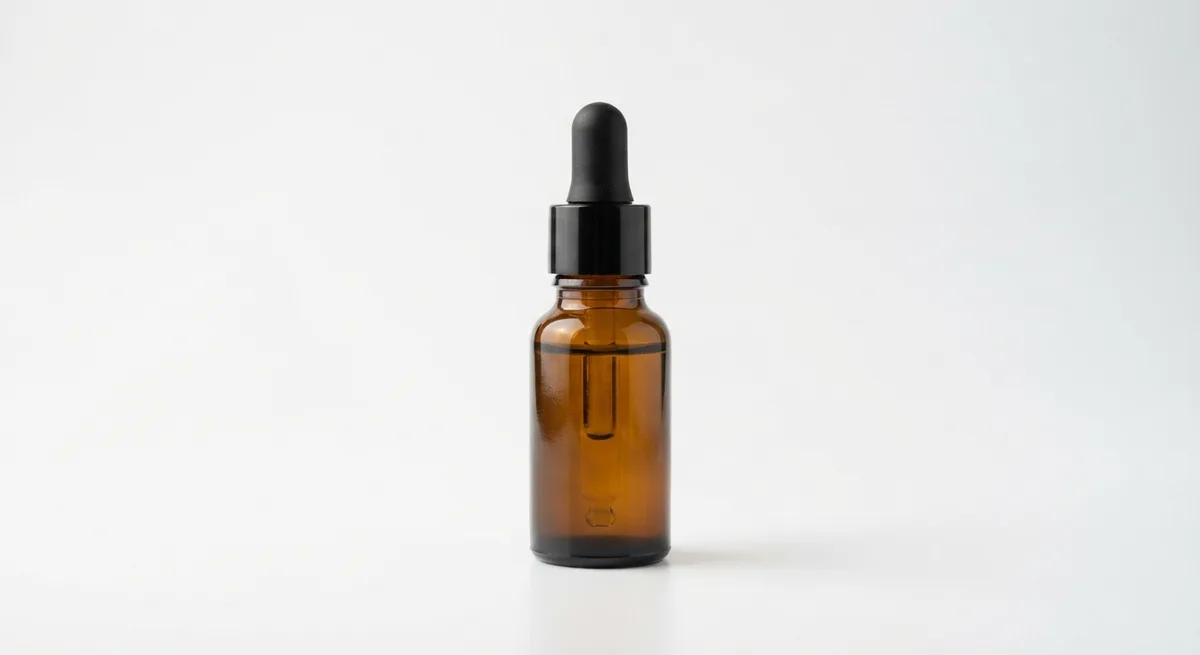
A plain background keeps buyers focused on the product. White is the safest choice for the main marketplace photo, while soft colors or lifestyle scenes suit supporting photos and social media. A large sheet of card curved from the table up the wall gives a seamless background with no corner line.
 Original phone photo
3. Match the Angle to the Product
The right angle shows the product’s shape and details clearly:
- Eye level (0°): bottles, standing packaging, and tall products.
- 45 degrees: food and products with filling or texture.
- Top-down (flat lay): clothing, accessories, and gift hampers.
Take photos from several angles, then pick the one that shows the label most clearly.
4. Keep the Phone Steady and in Focus
Blurry photos usually happen because the phone moves when you tap the shutter. Lean the phone against a stack of books or use a small tripod, then set a 2-second timer. Tap the screen right on the product to lock focus, and drag the exposure slider down slightly if white areas look too bright.
Avoid digital zoom. Move the phone closer to the product instead, because digital zoom reduces sharpness.
5. Prepare the Right Size for Each Marketplace
Shopee and Tokopedia show the main photo in a 1:1 ratio. Save photos at a minimum of 1,000 × 1,000 pixels so they stay sharp when buyers zoom in. For Instagram, a 4:5 ratio takes up more space in the feed. See the full details in our marketplace product photo size guide.
Phone Camera Settings to Check
Before you start, check a few camera settings on your phone:
- Turn on the grid so the product is easy to center and stays level.
- Turn off the flash, which makes products look flat and creates harsh reflections.
- Use the highest available resolution so photos stay sharp after cropping.
- Use the main lens, not the ultra-wide lens, which bends the product’s shape near the edges.
Common Mistakes When Shooting Products with a Phone
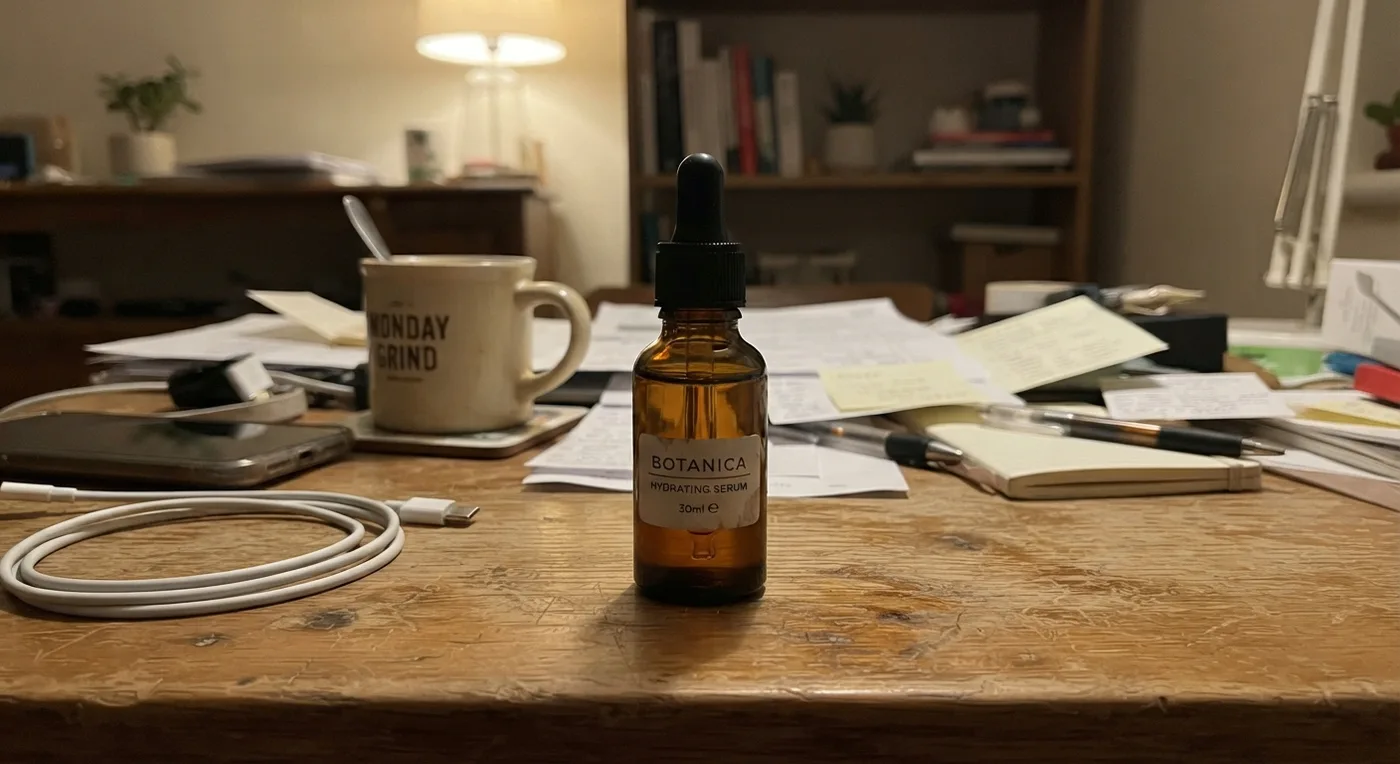
The most common mistake is shooting in a place that’s too dark and then raising the brightness while editing. The result looks grainy and rough. Move the product somewhere brighter instead. Another mistake is shooting on a cluttered surface, which splits the buyer’s attention. Tidy the area and remove anything unrelated to the product.
Finally, don’t forget to photograph every important side of the product. Buyers want to see the back of the packaging, the ingredients, or the stitching before they decide to buy.
6. Edit Lightly, Don’t Overdo It
Small adjustments to brightness, contrast, and cropping are enough. Avoid filters that change the product’s colors, because buyers may be disappointed when the item arrives. If you want to change the background or add a mood, an AI product photo app can do it without changing the product’s shape or label.
Summary
Taking product photos with your phone starts with natural light, a clean background, the right angle, and a steady phone. Prepare the right size for each marketplace, then edit lightly. If you want to go faster, let AI handle the background and lighting while you focus on selling. Read the complete product photography guide for online sellers for a broader catalog strategy.
Frequently Asked Questions
Which phone is good for product photography?
Almost any phone from the last three years is good enough. What matters more is enough light, a clean lens, and keeping the phone steady while shooting.
Should I use portrait mode for product photos?
It isn’t necessary. Portrait mode blurs the background but often cuts the product’s edges unevenly. For the main marketplace photo, the normal photo mode on a plain background usually looks cleaner.
Can product photos be edited with AI?
Yes, as long as the result still shows the same product you sell. Use AI for the background and lighting, not to change the product’s shape or color.