Product photo size for Shopee and Tokopedia is often overlooked, yet photos with the wrong size get cropped automatically or look pixelated when buyers zoom in. As a result, the product label can disappear from the main photo and shoppers hesitate to click.
This guide covers the recommended ratios, resolution, and formats, plus how to prepare one photo you can use across every sales channel.
Recommended Product Photo Size for Shopee
Shopee shows product photos as squares. Use a 1:1 ratio at a minimum of 1,000 × 1,000 pixels so zoom stays sharp. Save as JPG or PNG under 2 MB so pages load quickly.
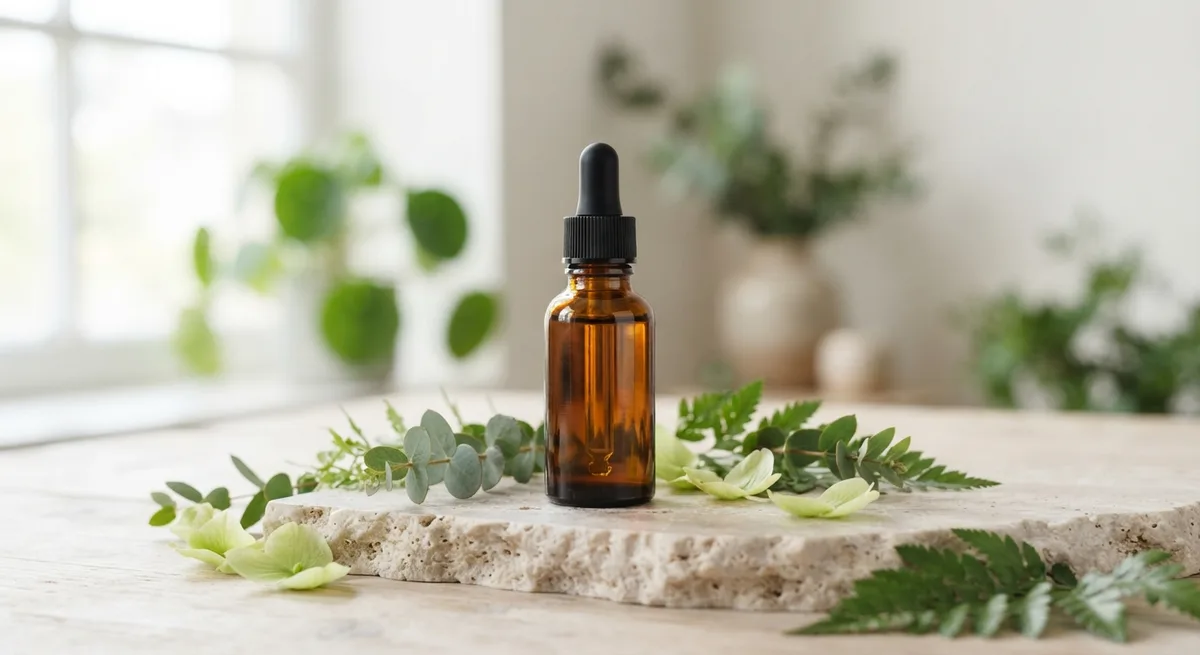
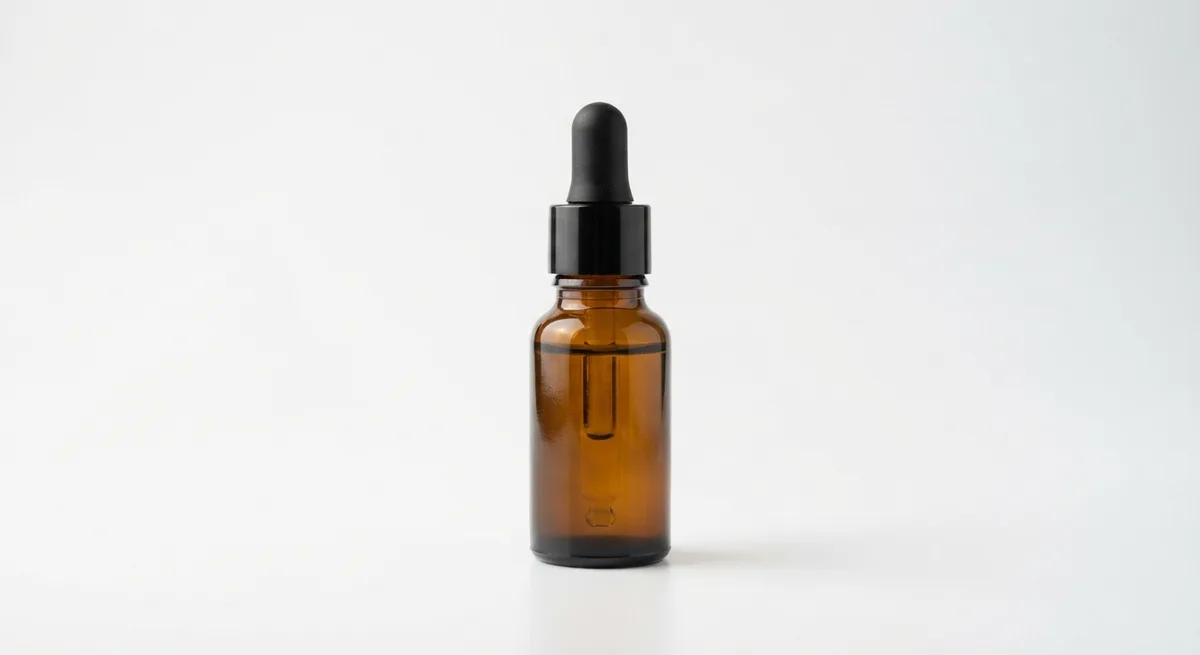
The main photo should use a white or light background, with the product filling about 70–80% of the frame. Leave a little space at the edges so the product doesn’t feel cramped.
Product Photo Size for Tokopedia
Tokopedia also uses square 1:1 photos. A safe minimum is 1,000 × 1,000 pixels, while 1,200 × 1,200 pixels looks sharper on modern phone screens. JPG or PNG under 2 MB is enough.
Since Shopee and Tokopedia use the same ratio, you only need one square master photo for both.
Sizes for Social Media
If you also promote products on social media, prepare other versions of the same photo:
- Instagram feed: 4:5 ratio, for example 1,080 × 1,350 pixels.
- Instagram Stories, Reels, and TikTok: 9:16 ratio, for example 1,080 × 1,920 pixels.
- Store or website banners: 16:9 ratio, for example 1,920 × 1,080 pixels.
How to Prepare Photos That Don’t Get Cropped
When shooting, leave empty space around the product. That space gives you room to crop to 1:1, 4:5, or 9:16. Place the product in the center of the frame, then check each crop before uploading.
Don’t put important text near the edges, because the edges are cropped most often. If you need to add information such as a discount, place it in the upper or lower center with a safe margin.
Checklist Before Uploading Product Photos
Use this list every time you upload a new product to Shopee or Tokopedia:
- A 1:1 ratio at a minimum of 1,000 × 1,000 pixels.
- File size under 2 MB in JPG or PNG format.
- The product is centered and fills about 70–80% of the frame.
- The label and product name are clearly readable without reflections.
- No text or watermark covers the product.
- A descriptive file name, such as vitamin-c-serum-30ml.jpg, not IMG_2045.jpg.
Descriptive file names help you manage hundreds of photos and help search engines understand the image when it’s used on your store website.
Why High Resolution Matters for Sales
Buyers often zoom in to check materials, texture, or the text on the packaging. Low-resolution photos look pixelated when zoomed, making buyers doubt the product’s quality. With enough resolution, buyers can check the details themselves, and you get fewer questions in chat.
One Photo, Every Ratio
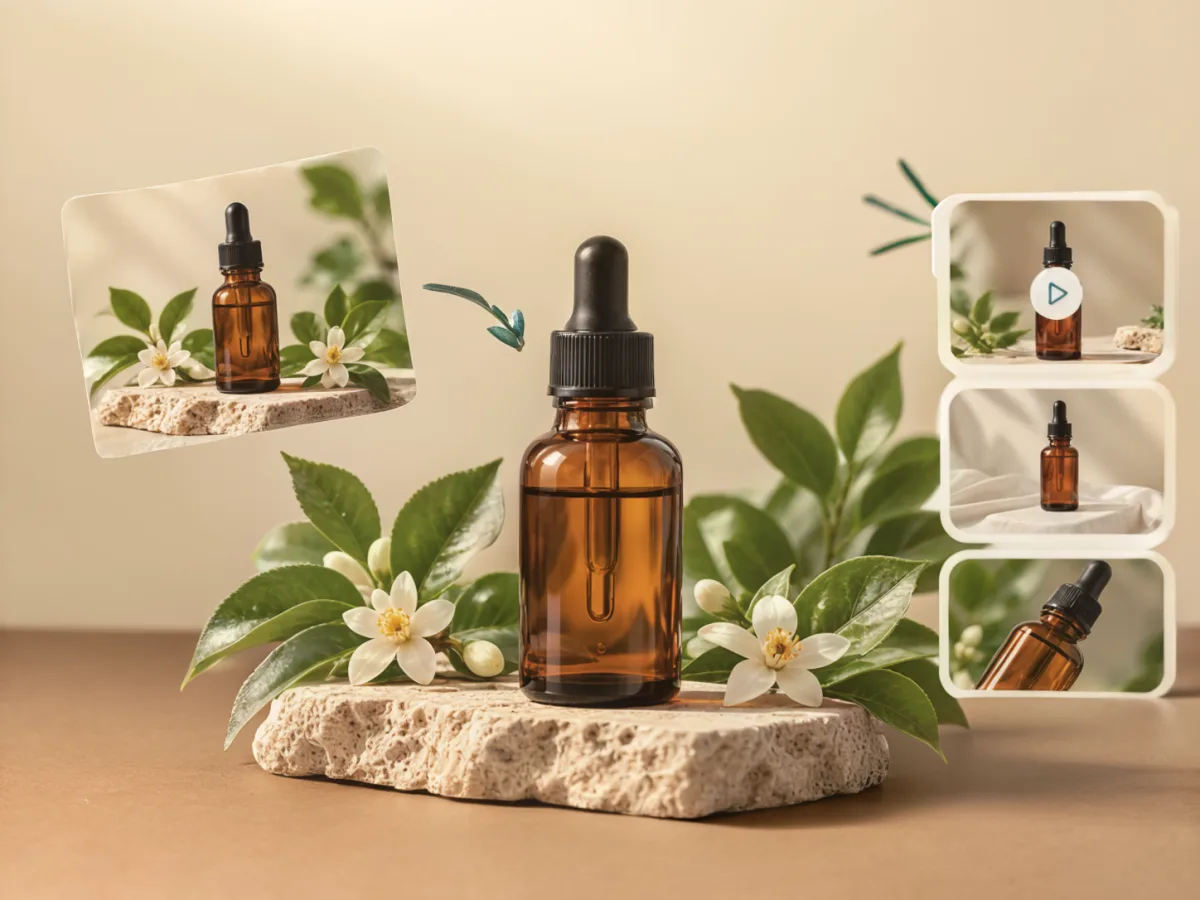
Preparing many sizes by hand takes time, especially for dozens of products. In TARABAS you can choose a 1:1, 4:5, 9:16, or 16:9 ratio before creating a photo, and the AI rearranges the composition so the product stays whole at every size. Learn more about the AI product photo features.
Summary
The safe product photo size for Shopee and Tokopedia is a square 1:1 image of at least 1,000 × 1,000 pixels under 2 MB. Prepare 4:5 and 9:16 versions for social media, leave space around the product, and keep a high-resolution master file. Also read how to take product photos with your phone so your master photo is great from the start.
Frequently Asked Questions
What is the ideal product photo size for Shopee?
Use a 1:1 ratio at a minimum of 1,000 × 1,000 pixels. This keeps photos sharp when buyers use the zoom feature.
Is the Tokopedia photo size the same as Shopee?
Both use square 1:1 photos. Prepare one 1,200 × 1,200 pixel master photo and use it on both marketplaces.
Why do my product photos get cropped on marketplaces?
Usually because they aren’t square. Marketplaces crop photos to 1:1 automatically, so the sides or top and bottom of your product can disappear. Leave empty space around the product when you shoot.